

This tutorial provides a step-by-step guide on how to order a Satellogic Open Image through the SkyFi platform. Satellogic offers open access to select satellite images for public use. These images are available at no cost and are intended for users who need basic satellite data without custom capture requests or advanced processing. SkyFi makes it possible to search for and request these images directly from its interface.
By following this guide, you will learn how to search for available open images, select your area of interest, and place an order. The process is simple and does not require technical experience. You will also learn how to check the status of your request and where to download the image once it is ready.
The Satellogic Open Image program is intended for general use and can support a wide range of applications. This tutorial is for anyone who wants to access satellite imagery through the SkyFi platform using the Satellogic Open Image offering.
1. Access the Open Data Section
From the SkyFi homepage, click on Open Data in the top navigation menu.
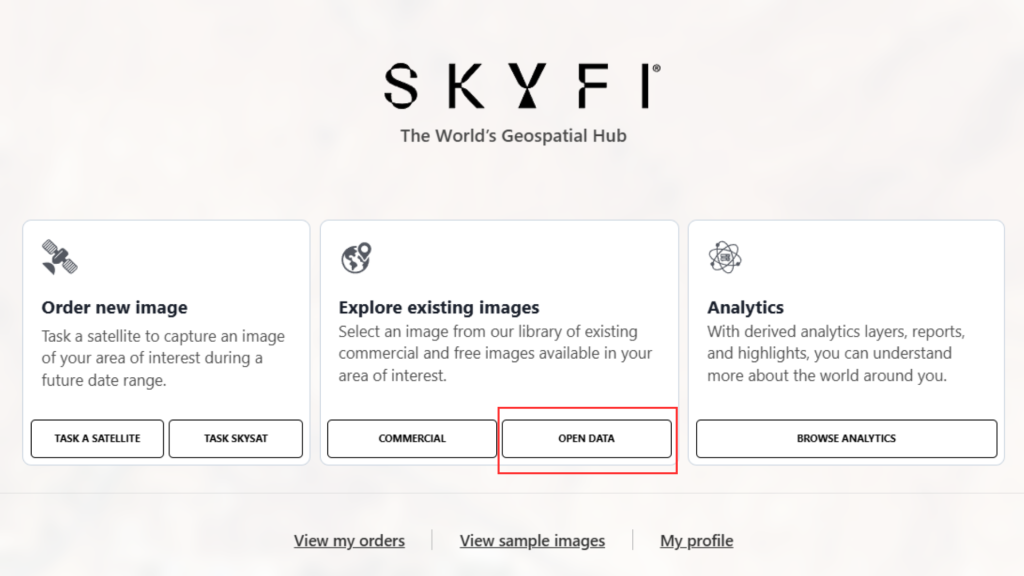
2. Select Data Source and Define Area of Interest (AOI)
Use the available filter options to select Satellogic as the data provider.
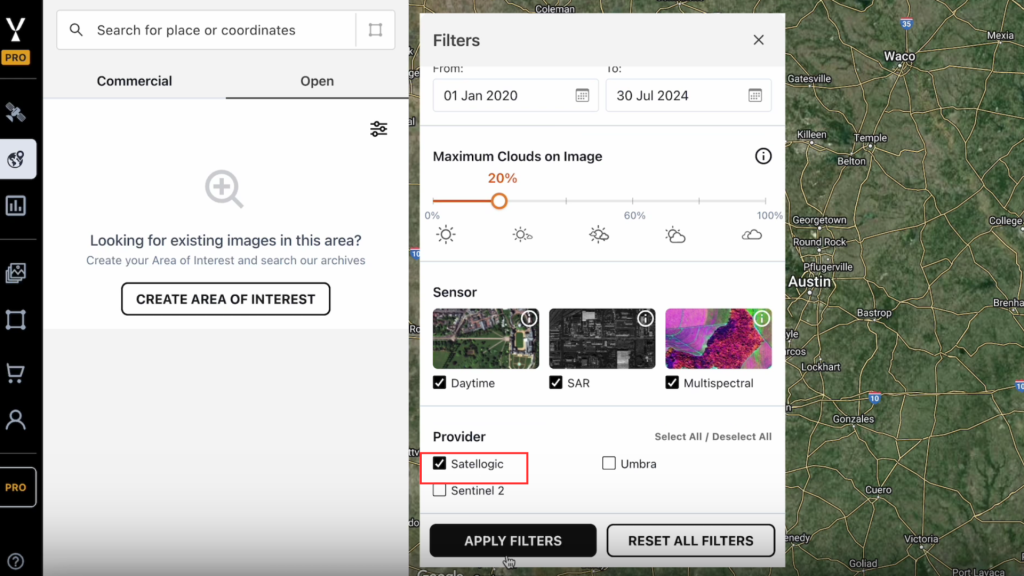
- You can either:
- Draw a new Area of Interest (AOI) directly on the map interface, or
- Zoom out to view the global data availability map, which displays the locations of available Satellogic Open Data.
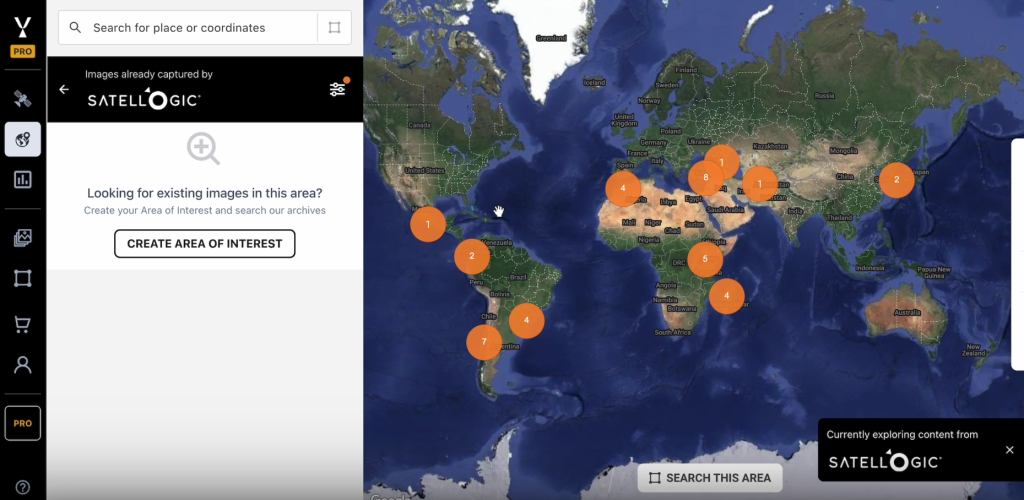
3. Search and Identify Available Imagery
- Click on a location on the map to initiate a search in that area.
- Move or adjust the AOI box to cover a specific Satellogic image.
- As the AOI overlaps with an image, that image will appear in the results panel.

4. Review Image Details
- Select an image from the results panel.
- Review the image metadata, including resolution, date, and time of capture.
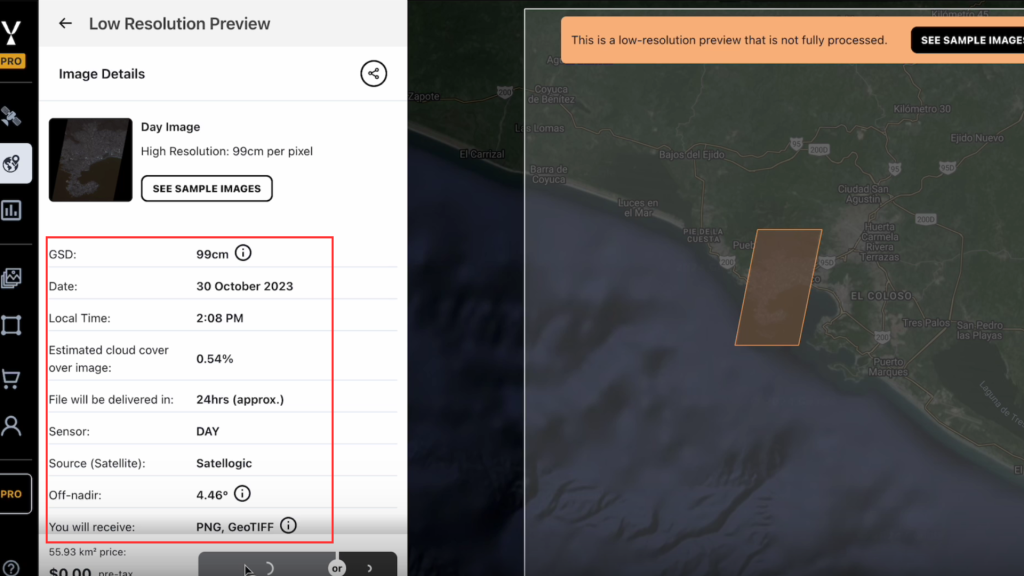
5. Add to Cart and Check Out
- Click Add to Cart to include the selected image.
- Proceed to checkout.
- The cost will be listed as $0.

Confirm the order to receive the image via email.
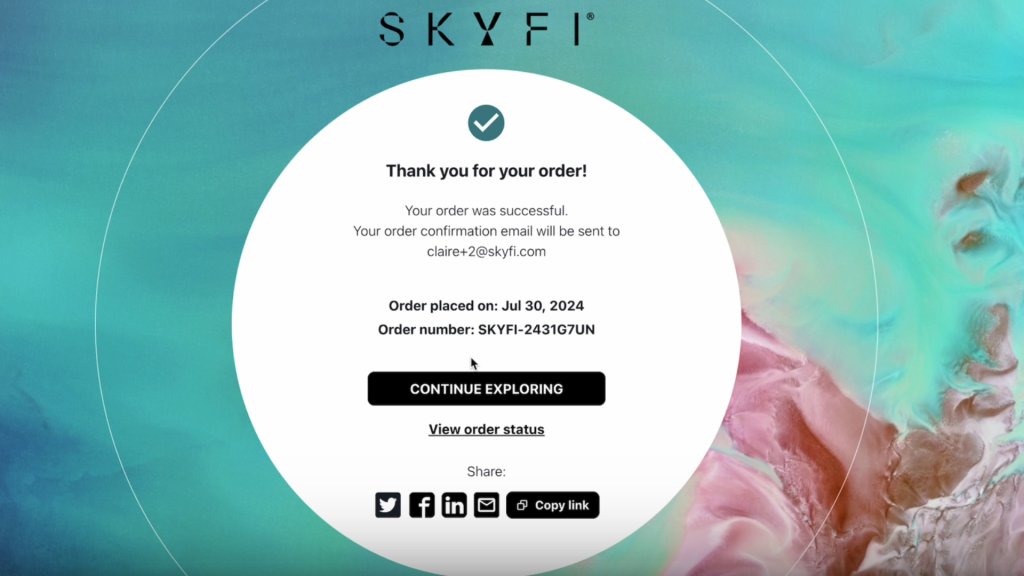
You’ve now seen how to order a Satellogic Open Image through the SkyFi platform. Use this process whenever you need open satellite imagery.